A session is one continuing conversation tied to a project and a way of reaching it. Use chat commands inside the conversation; use the CLI when you need to find or reach a session from outside it.
Follow up while work is running#
A conversation does not need one reply for every message. You can send a correction or another detail while DuoDuo is working. A follow-up may join the current turn or wait for the next one, so one reply can address several messages.
Change the model#
/model
/model <model-id>
/model reset
/model changes the model for this session. The new choice applies on the next message; the daemon keeps running and the session history remains. A model id the runtime does not recognise may cost one restart of that session's process before it takes effect—history survives the restart.
The model is not the runtime. A session is bound to the runtime that created its history, so pointing it at a different runtime (Claude, Codex, Grok, or Pi) is refused with runtime_mismatch, naming both. /clear first, then change the runtime.
Tell DuoDuo a model's real context window#
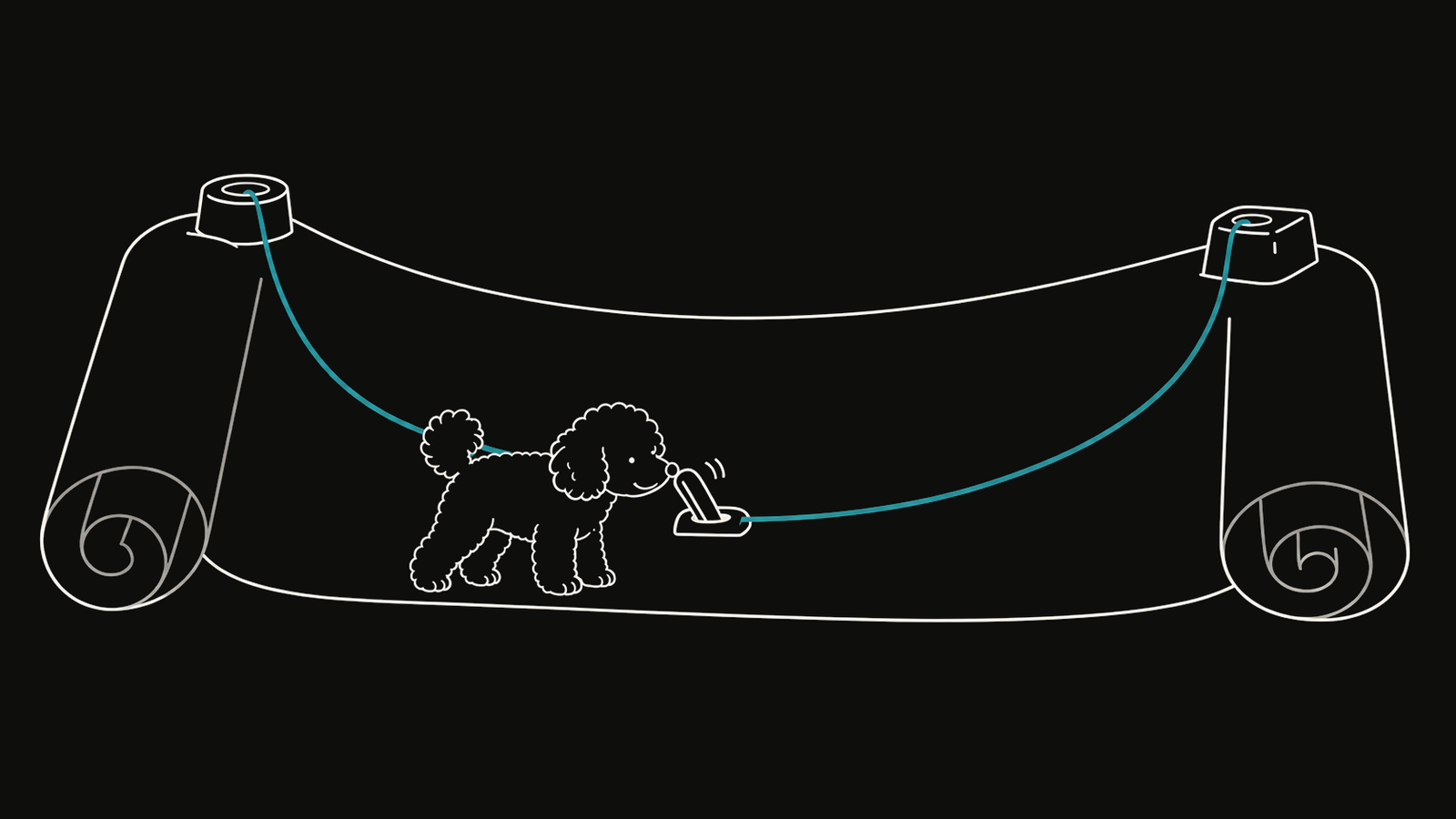
A model reached through a third-party endpoint can declare its own context window, its own endpoint and credential, and tier aliases. Without that, the session is capped by whatever window the runtime assumed—and compaction arrives too late or far too early. Claude sessions only.
duoduo session config --global profile set <exact-model-id> <tokens>
duoduo session config --global profile get <exact-model-id>
The model id must be exactly what the endpoint accepts; aggregators rename models, and a renamed id runs unprofiled without saying so. A credential stored this way gets owner-only permissions on the file and is masked wherever DuoDuo displays it. The duoduo-runtime-admin skill walks an agent through the whole workflow, including how to verify a published window.
Change reasoning effort#
/effort
/effort low | medium | high | xhigh | max
/effort reset
Choose reasoning depth separately from the model. The new effort applies to the conversation without changing the model you selected. On a Claude model without max support, max runs as high, and the reply says so.
Set defaults for many sessions#
/model and /effort change one session. To give every session of a runtime a model or an effort—host-wide, per channel kind, or for one channel—set a default:
duoduo session config --global set codex.model=<model-id>
duoduo session config --kind feishu set claude.effort=high
duoduo session config <target> set pi.model=<provider>/<model-id>
duoduo session config --global unset codex.model
The keys are per runtime (claude.model, codex.model, grok.model, pi.model, and the matching .effort), so a channel that switches runtime never carries one vendor's model id into another. The most specific layer wins, key by key. A session's own /model still outranks all of them, and with nothing set the runtime's own configuration decides, as before.
The dashboard and the usage ledger record the model that actually served each turn, not the one requested—so an endpoint that quietly substitutes a model shows up instead of hiding.
Compact or rewind#
/compact
/undo
/undo 3
/clear
/compactsummarizes older history while keeping the session./undorolls back recent exchanges./clear(also/reset) starts fresh agent memory for the next message.
Inspect sessions from the host#
duoduo session list
duoduo session list --named
duoduo session list --json
Use JSON for scripts. Without --json, the list is formatted for a person reading it in the terminal.
Name and notify a session#
duoduo session alias <session-key> "Research desk"
duoduo session notify "Research desk" -m "Review the new signal"
An alias gives a session a name you can remember. notify wakes a channel or job session and records where the message came from; it cannot target the kernel. Run from inside a session's own shell, it sends as that session, so the recipient sees which session wrote.
A notification into a session nobody reads would vanish. With ALADUO_NOTIFY_UNCONSUMED_HOURS set, delivering into a foreground session whose reader has been gone longer than that is refused, and the refusal names the sessions that do have a reader; --force overrides it. duoduo daemon status lists each channel session's last read and its current subscribers, so you can see the state behind a refusal before you hit one.
Set model or effort without opening the chat#
duoduo session model "Research desk"
duoduo session model "Research desk" <model-id>
duoduo session effort "Research desk" high
duoduo session model "Research desk" reset
The same two knobs as /model and /effort, reachable from a terminal or over SSH—which is how you recover a session that is stuck on a model that cannot answer. With no value, each one shows what the session is currently using and where that came from.
Channel sessions only. A job's model comes from its job file and a subconscious partition's comes from its frontmatter, so a per-session override there would report success and never take effect; DuoDuo refuses it instead.
Compact or archive from the CLI#
duoduo session compact "Research desk"
duoduo session archive <session-key>
CLI compaction asks the target channel session to run /compact. Archiving moves its files out of the active set without deleting them, and waits until live work has finished.