DuoDuo Manager gives you a native macOS view of the DuoDuo already running on your machine. Check health from the menu bar, open the full dashboard, or read past agent sessions without living in the terminal.
Menu bar popover#
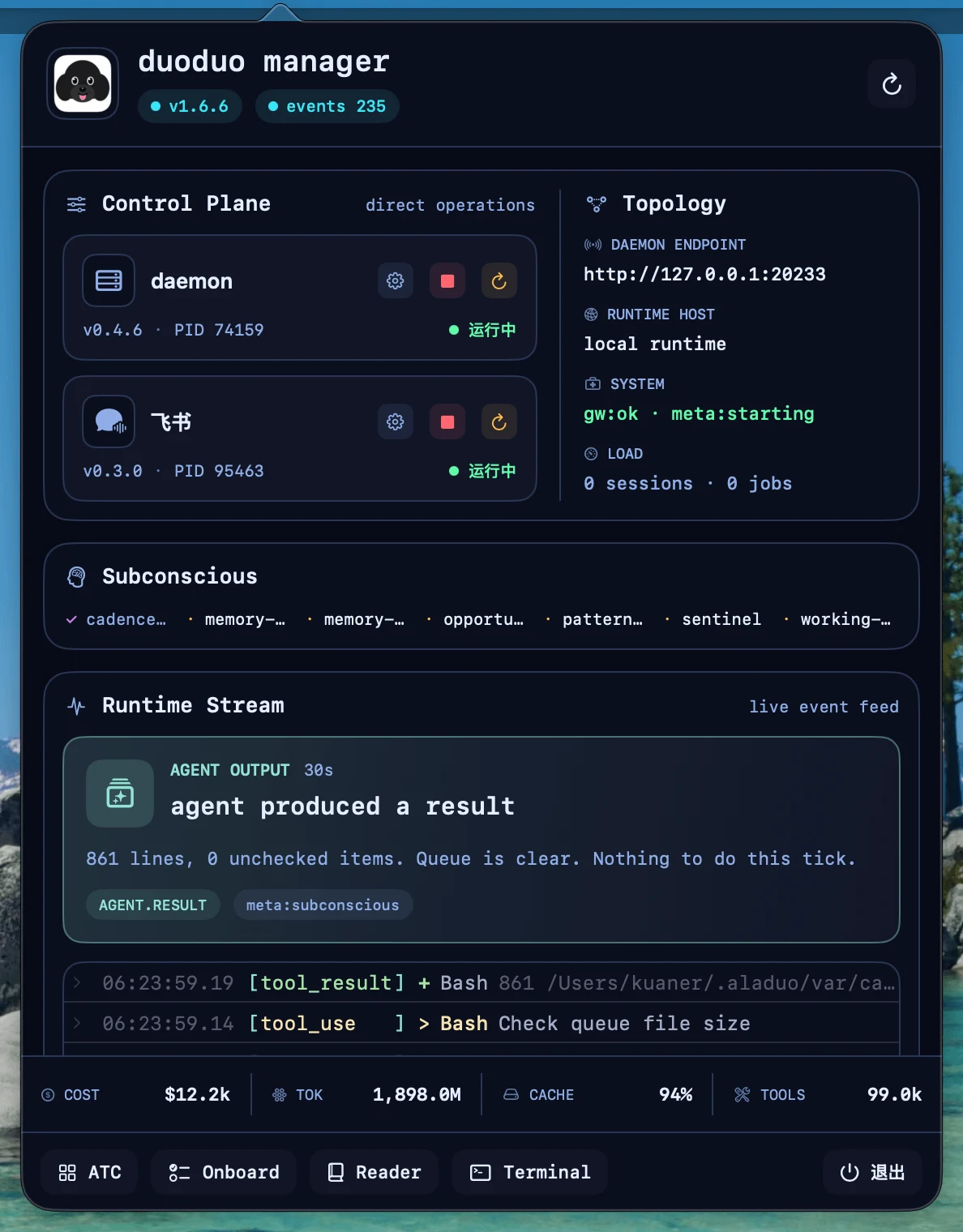
Use the popover for daemon and channel status, start/stop actions, configuration, version signals, and quick access to the larger tools. Whether the daemon starts with your Mac is a toggle here rather than a launch agent you write by hand.
The session registry is here too: name a session, find it again, and reach it without going back to the terminal. Each session shows the harness runtime it is on, in the menu bar and in the dashboard, so a host running Claude, Codex, Grok, and Pi at once is legible at a glance.
ATC Dashboard#
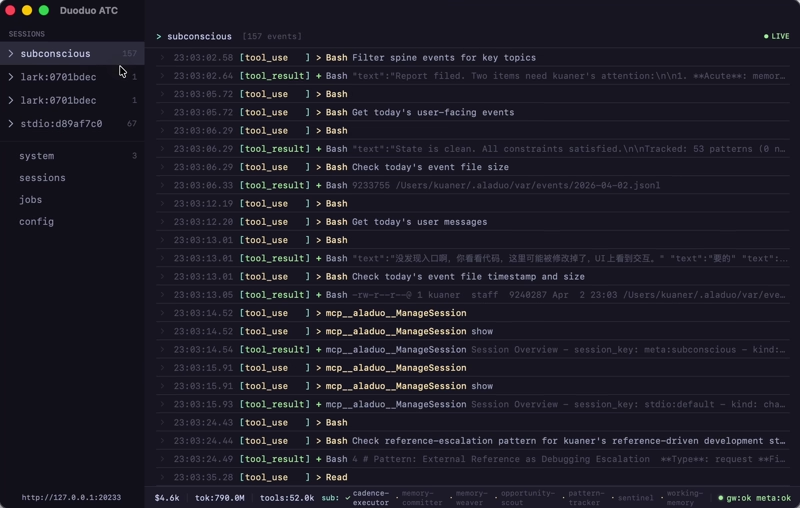
The dashboard reads live daemon RPC data for:
- sessions and health
- jobs and subconscious activity
- token, cost, and tool aggregates
- the incremental event stream
The menu-bar view and dashboard stay in sync, so a status change in one appears in the other.
CC Reader#
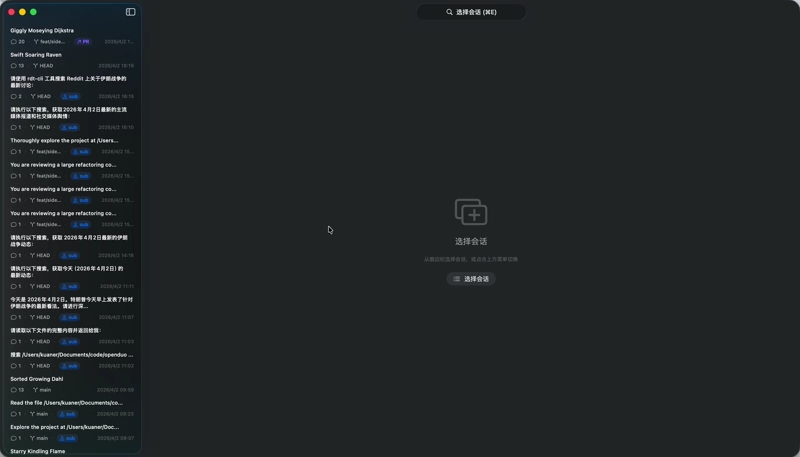
CC Reader brings existing Claude Code and Codex histories into one timeline, with Markdown, syntax highlighting, and the workspace beside each conversation.
Guided onboarding#
Manager can install the DuoDuo CLI, prepare Node.js, connect a supported model provider, and start the daemon. Choose a bundled-Node build for the shortest setup, or the universal-lite build when Node.js is already installed.
Upgrading from Manager#
Manager's upgrade flow refreshes the published DuoDuo skills alongside the CLI, so an agent operating the host is not left reading instructions for the previous release. Installing them is also a direct action in the Control Plane operations menu when you want it on its own. A restart Manager performs is attributed, so sessions it interrupts learn that an upgrade happened.
Manager tracks its own version line, independent of the DuoDuo runtime.
Install#
Download the build for your Mac from the public releases page:
https://github.com/openduo/duoduo-manager/releases
Manager targets macOS 14 or newer.