DuoDuo Pocket puts your DuoDuo in your pocket. Hold the button on a small Passport device, say what you need, and let go. The words reach the same DuoDuo that runs on your machine, and the answer comes back to the device screen and to the phone.
Pocket has three parts:
| Part | What it is |
|---|---|
| Passport | A FoloToy AI Passport running the Pocket firmware: a card-sized device with a screen and three buttons. Hold OK to talk. |
| DuoDuo Pocket app | The iPhone app. It carries the Passport's voice to DuoDuo and is a full conversation with DuoDuo on its own: type, hold to talk, send photos and files, or let the phone listen to the room. |
| Ambient | The Ambient channel on your DuoDuo host. Pocket's voice takes Ambient's path to DuoDuo. |
How it works#
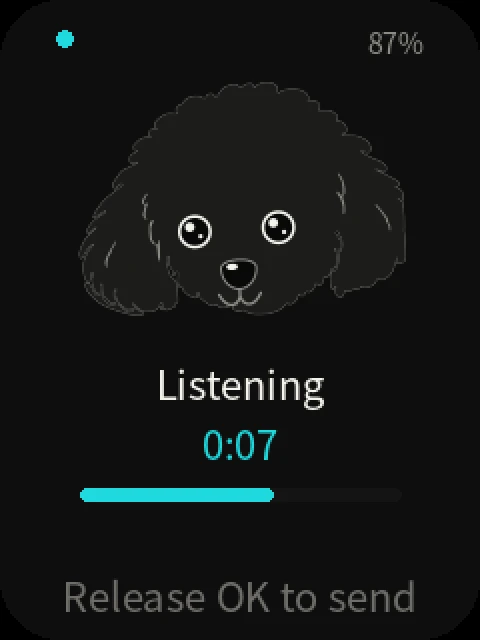
- Hold and speak. Hold OK on the Passport. It records while the button is down and streams the audio to your phone over an encrypted, bonded Bluetooth LE link.
- The phone relays. The DuoDuo Pocket app sends one voice note per press to the Ambient channel on your DuoDuo host, over your own Tailscale network. Nothing is exposed to the public internet, and no extra VPN is involved.
- A press is always addressed. In a room, Ambient decides whether a sentence was said to DuoDuo. A press removes the question: holding the button means you are talking to DuoDuo.
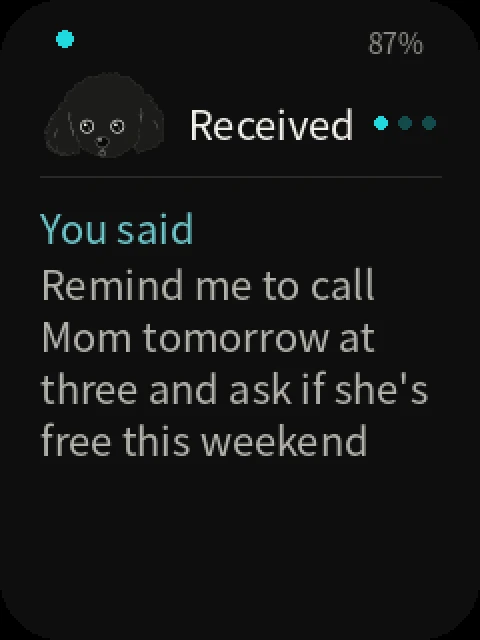
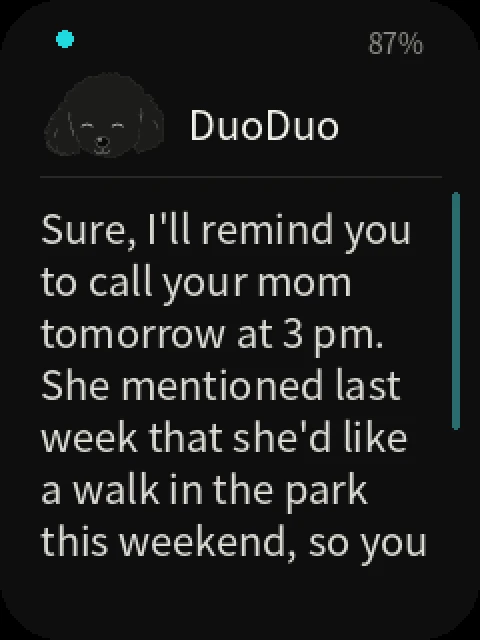
- DuoDuo works and answers. The device and the app show the stages as they happen: received, thinking, looking it up. The answer streams into the conversation on the phone, and the latest reply appears on the Passport screen, where UP and DOWN page through it.
The phone is the only link between the Passport and your host. If the phone is out of reach, the Passport says so and records nothing, rather than taking a note it cannot deliver.
The app#
The DuoDuo Pocket app is one conversation with one DuoDuo. It reads like a chat with a person, plus a voice call. The room it talks to is a setting, not a list to browse. The app speaks Chinese or English, following the iPhone's system language.
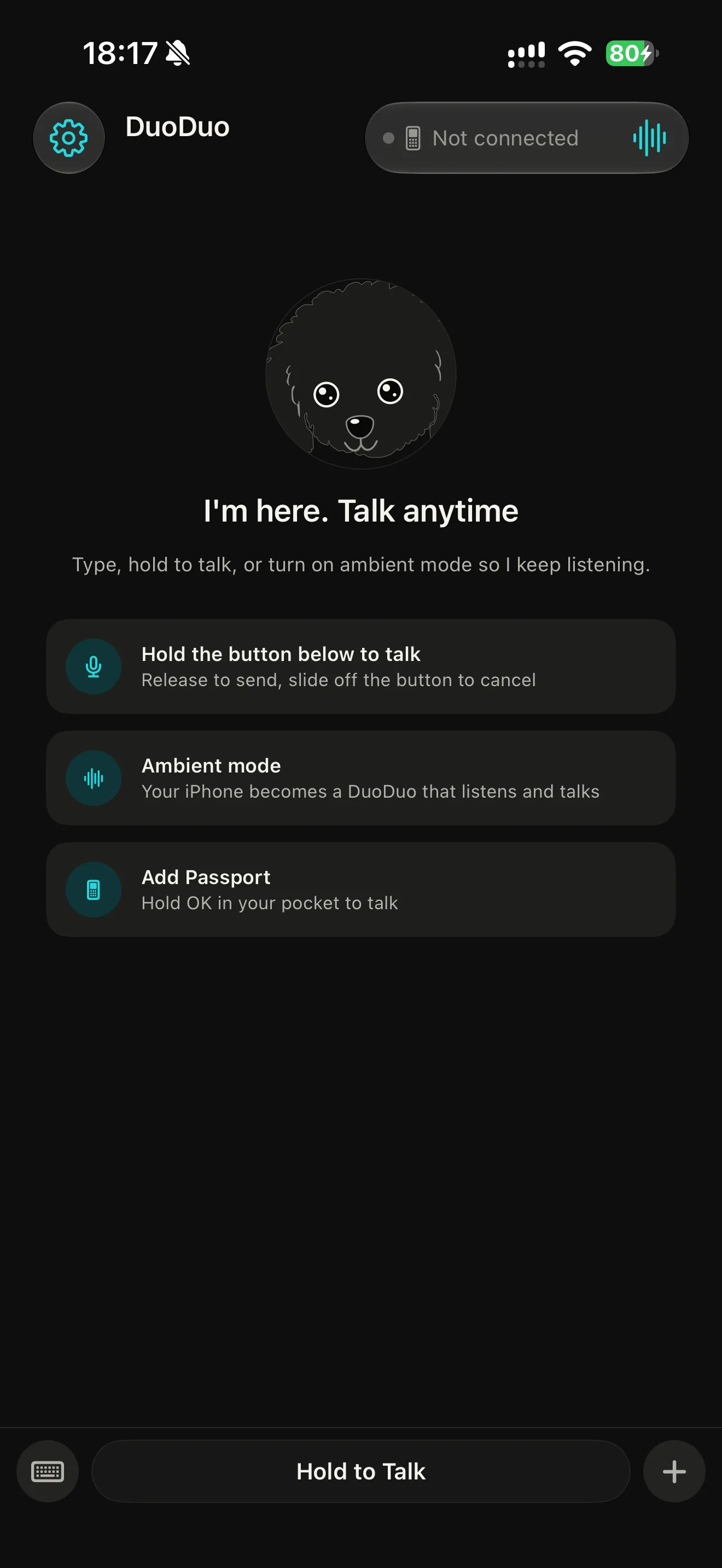
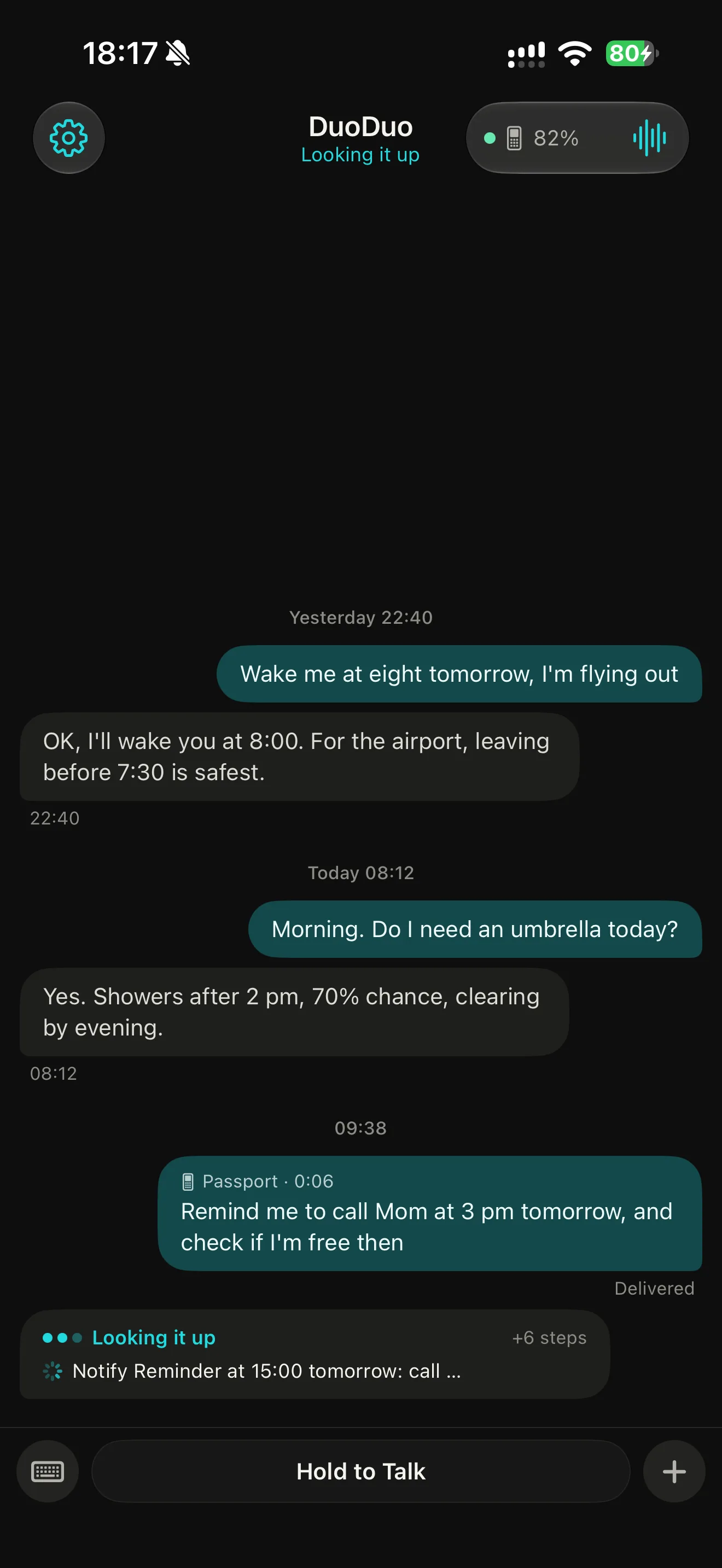
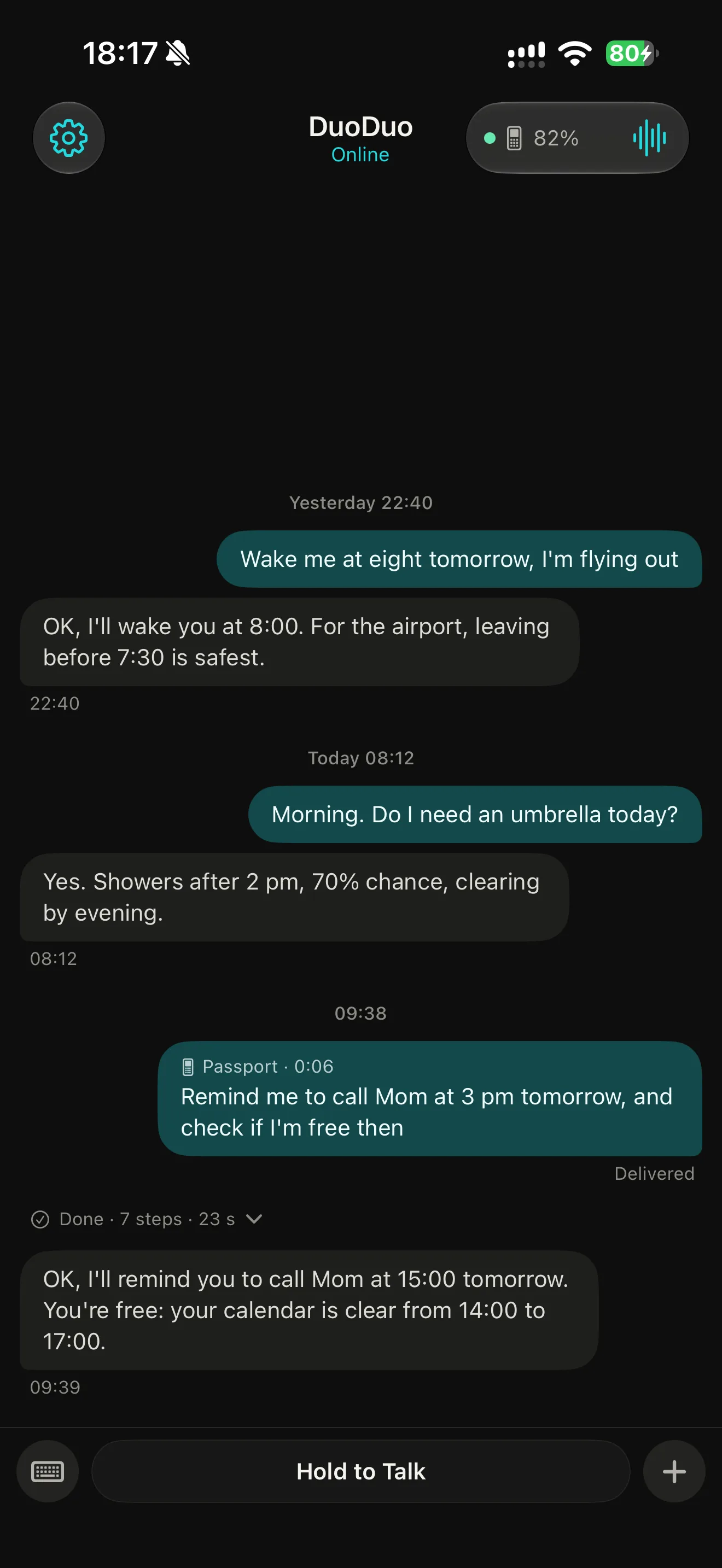
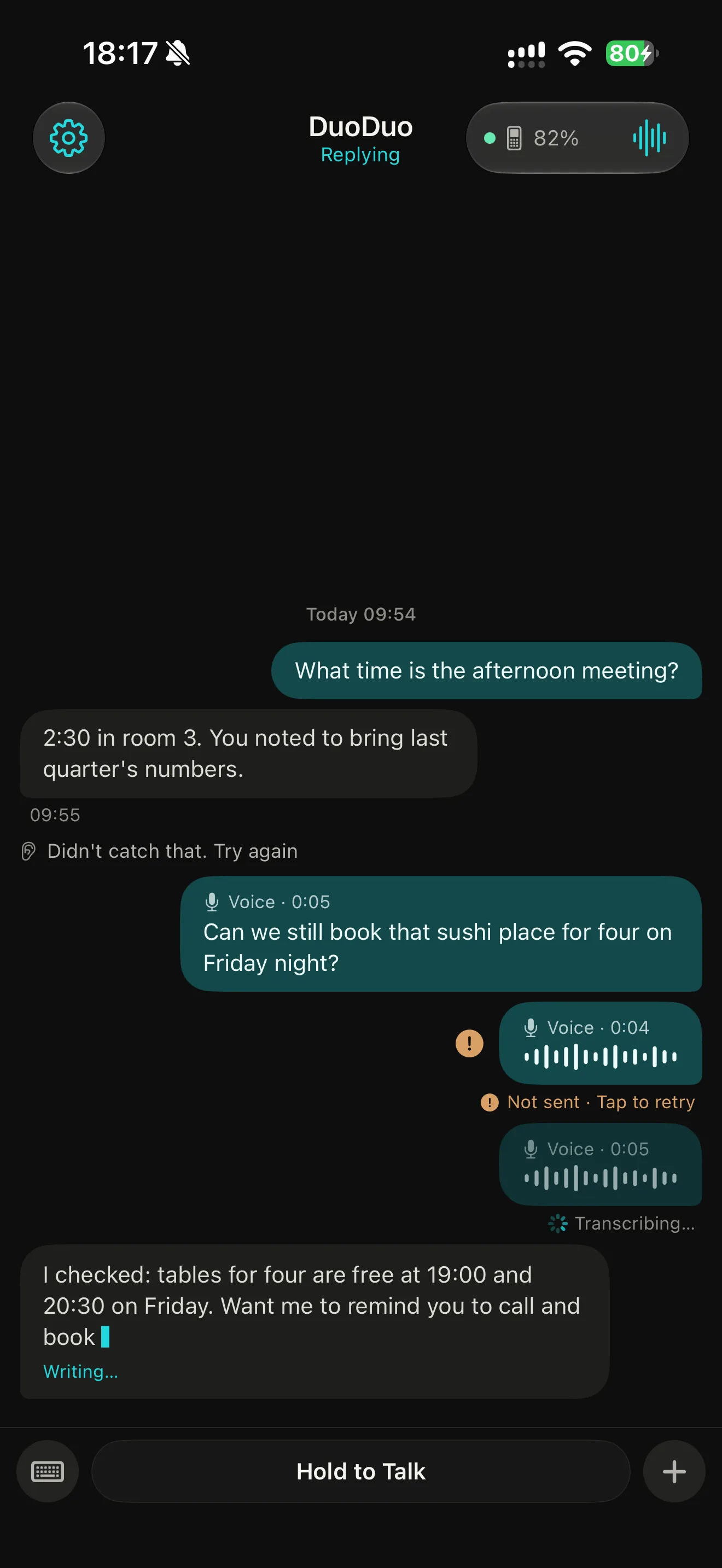
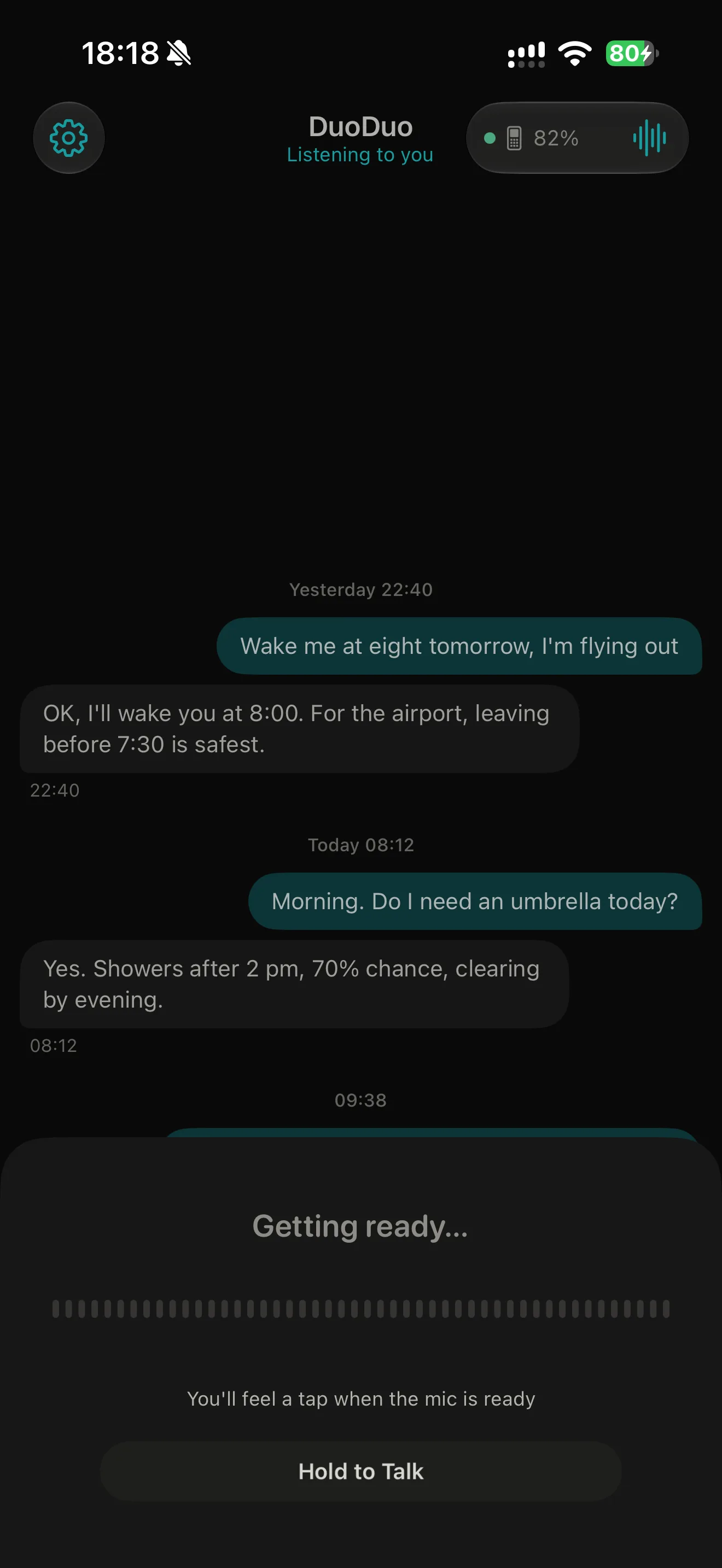
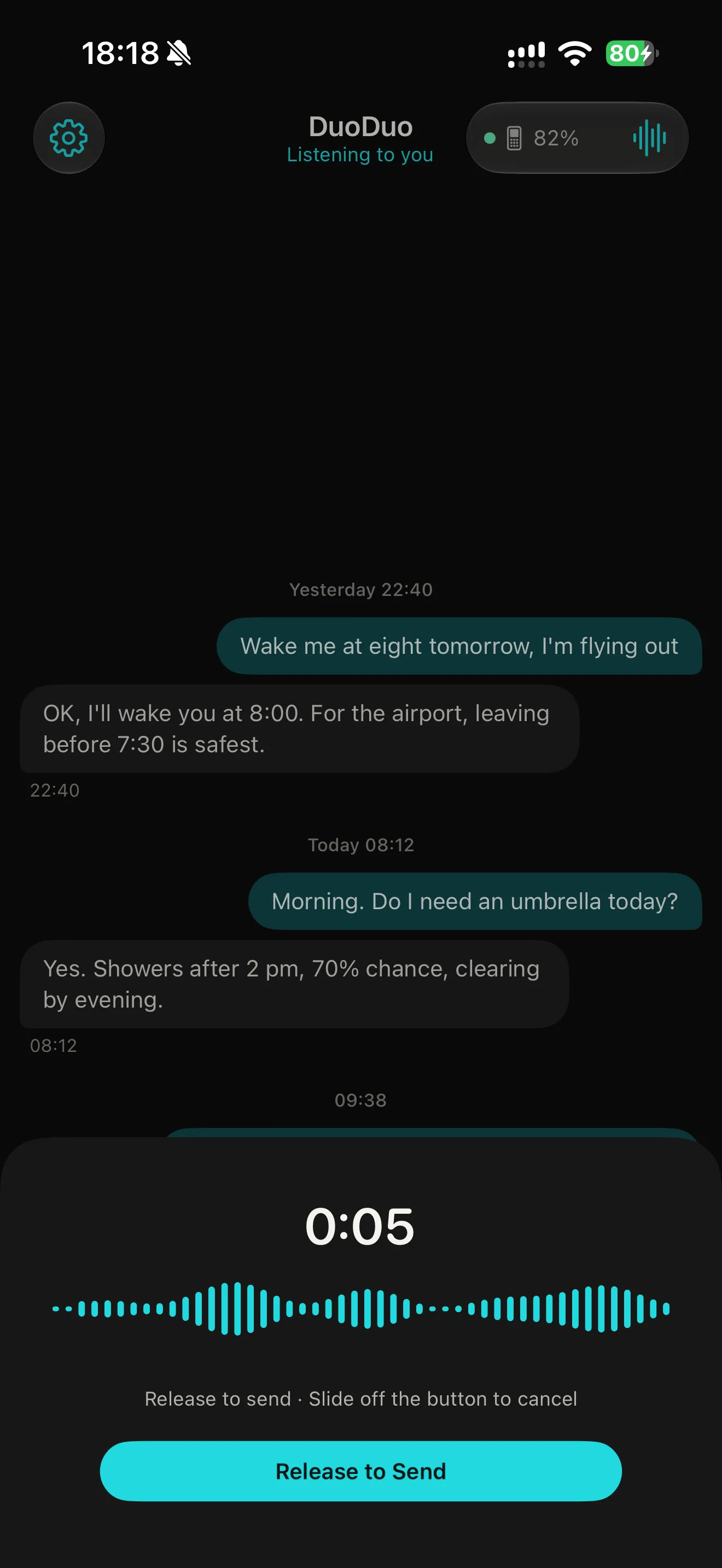
- Hold to talk. Hold the bar; the sheet shows it is preparing, then recording. Release to send, or slide off the bar to cancel.
- See the work. While DuoDuo works, one compact card shows the current stage and step; after the answer, a single line records how many steps it took.
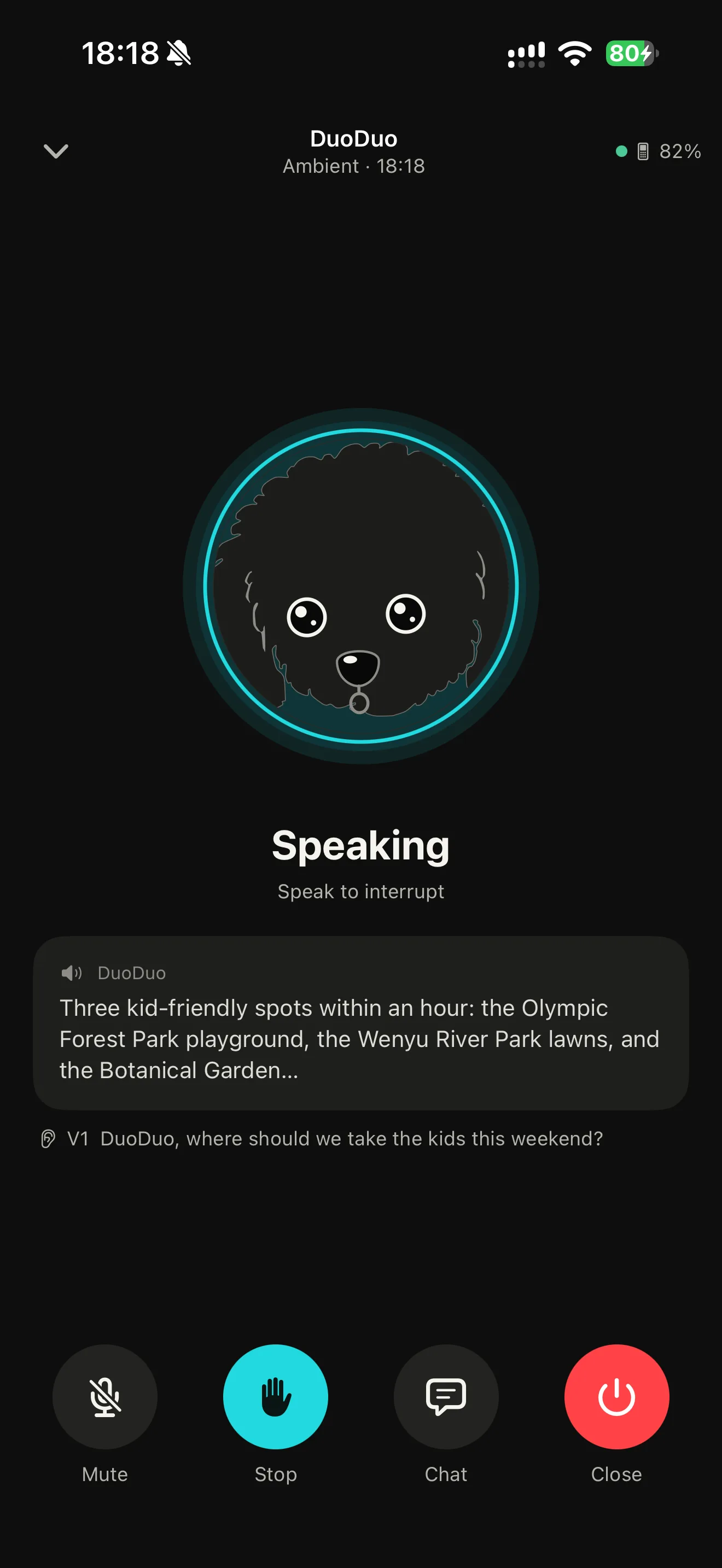
- Ambient mode. Turn the phone into a room listener that speaks DuoDuo's answers, full screen like a call or minimised to a bar above the conversation.
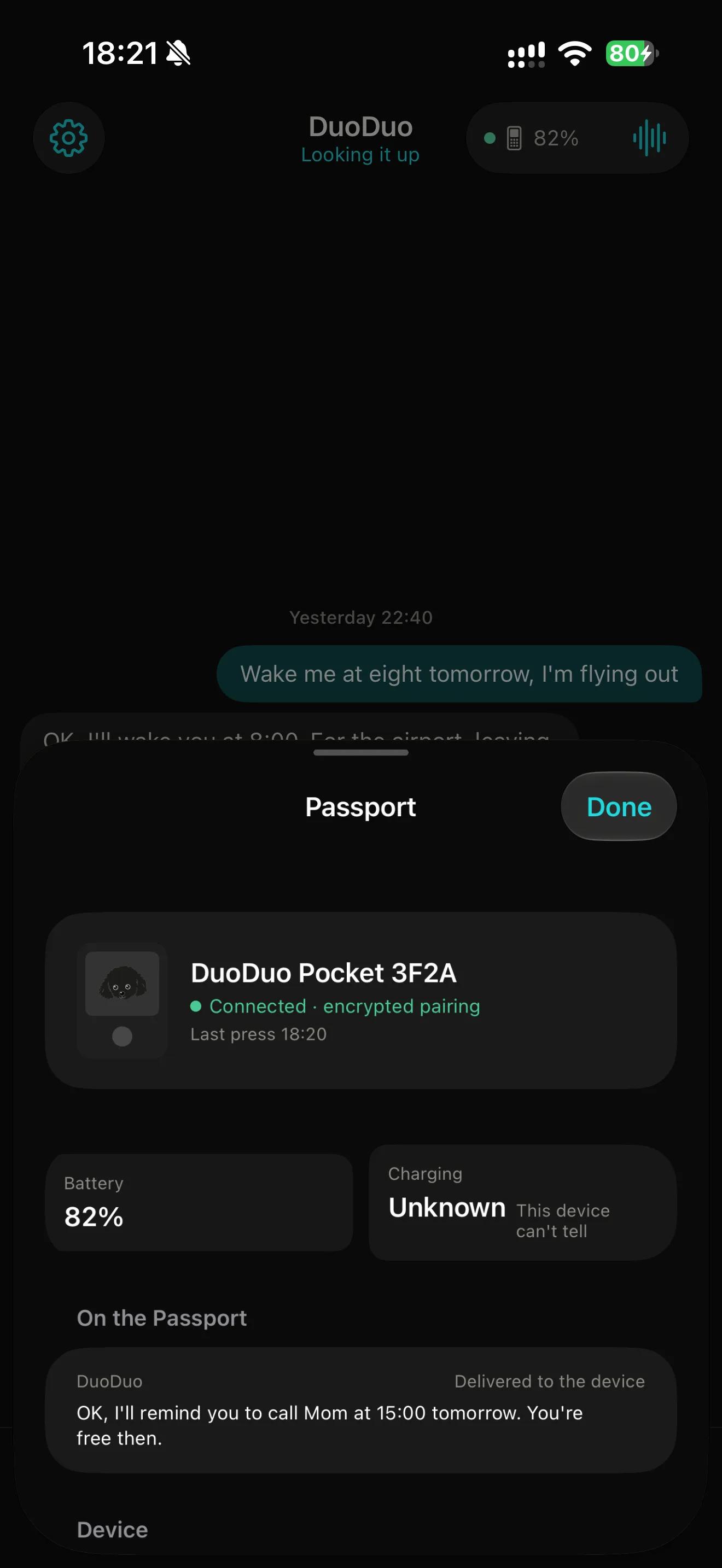
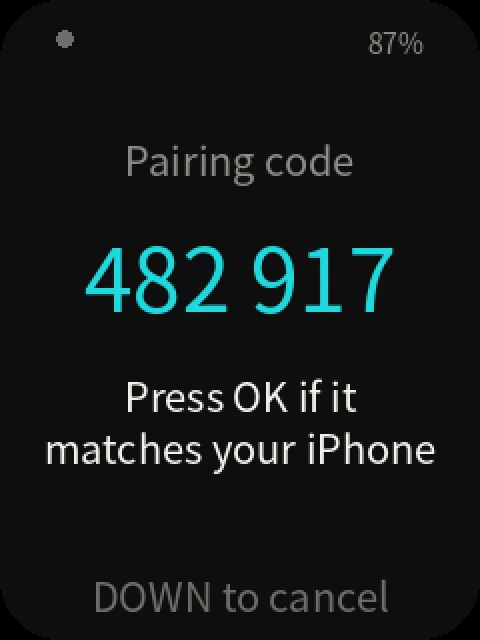
- Passport as an accessory. Pairing uses numeric comparison: the same six digits on the phone and on the Passport, confirmed with OK. Passport voice notes and their answers appear in the same conversation, marked with the device.
The Passport#
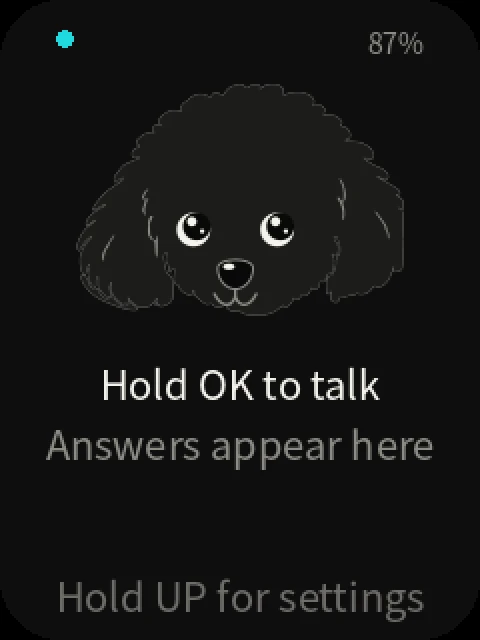
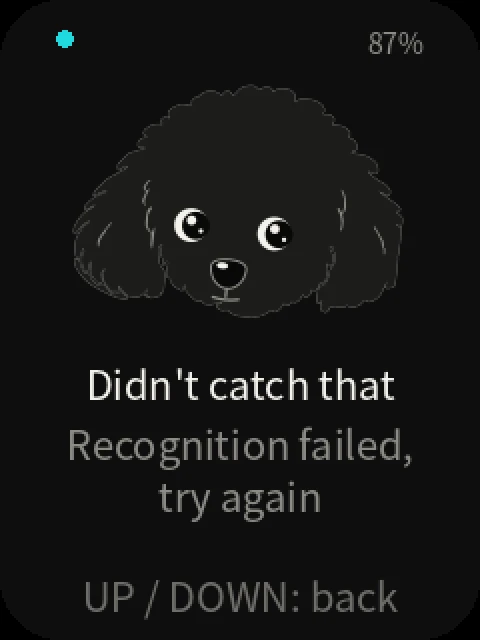
Every Passport state is one picture of DuoDuo and two lines of text. The Passport shows Chinese or English, following the language of the paired phone.
| Button | Action |
|---|---|
| Hold OK | Talk; release sends. Short taps are ignored. |
| UP / DOWN | Page through the reply on screen, then step to older or newer replies. |
| Hold UP | Settings: pre-roll, brightness, screen timeout, new-reply alerts, re-pair. |
The screen goes dark when nothing is happening and the device sleeps lightly while staying connected. Pressing OK from a dark screen starts talking at once.
Source#
| Part | Repository |
|---|---|
| Passport firmware | openduo/pocket-passport, a fork of FoloToy's folotoy/ai-passport |
| DuoDuo Pocket iPhone app | openduo/pocket-ios |
| Ambient channel | Ambient |
The Passport hardware and the original firmware are FoloToy's; see the AI Passport site for the device and its own apps.